
I have a small number of content creators that I enjoy following on YouTube, but I fundamentally dislike YouTube's shady algorithms, poor user experience, and invasive ads. These days, most of the content I watch is stored on my Plex server, so I decided to find a way to automatically download and add my favorite YouTube content to my Plex server. After a bit of searching, I found this guide from DIY Futurism which outlined a nice approach to the problem.
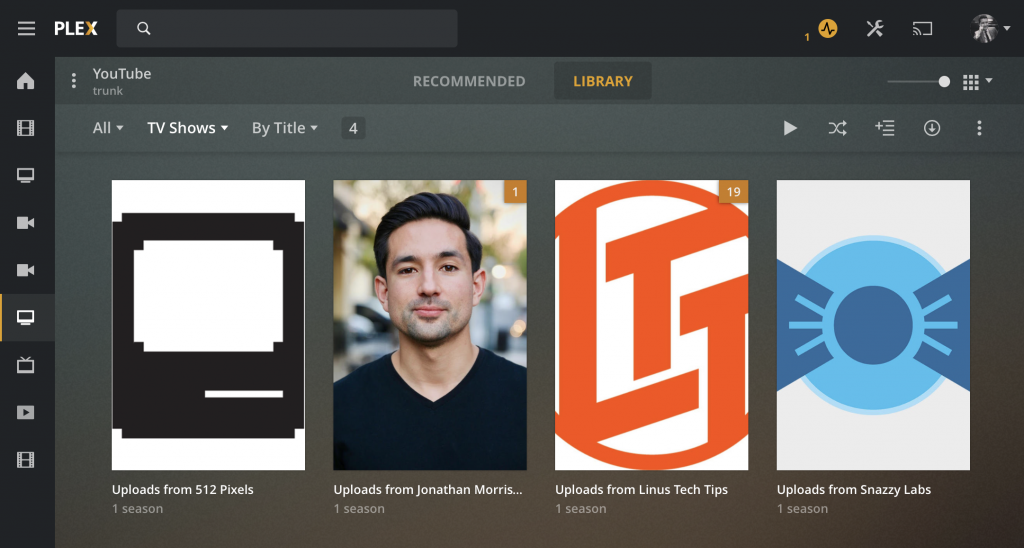
My approach is similar, and makes use of the excellent youtube-dl project, along with a personal media scanner and personal media agent for Plex. I run my Plex Media Server on my Synology DS1019+ NAS, which I absolutely adore, so that's where I set everything up. The process was quite simple:
- Installed the aforementioned personal media scanner and personal media agent in my Plex server and enabled them in my Plex server settings.
- Created a "TV Shows" library in Plex that uses the scanner and agent. I called mine "YouTube."
- Installed youtube-dl on my Synology. I already have Python installed there, so it was as simple as running
pip install youtube-dl.
At this point, I was ready to create a script that would download the content and add it to Plex. The key is to take advantage of all of the great features in youtube-dl, including the ability to provide a "batch" file containing target channels, the ability to embed metadata and download thumbnails, and an "archive" feature which tracks what has already been downloaded. My script is a variation on the one from DIY Futurism:
#!/bin/shcd /var/services/homes/admin/Media/YouTube/volume1/@appstore/python3/bin/youtube-dl --playlist-reverse \--dateafter now-2weeks \--download-archive /var/services/homes/admin/Media/YouTube/downloaded.txt \-i \-o "%(uploader)s/%(playlist)s/%(playlist)s - S01E%(playlist_index)s - %(title)s [%(id)s].%(ext)s" \--add-metadata \--write-thumbnail \--batch-file=/var/services/homes/admin/Media/YouTube/channel_list.txt
Let's walk through the script. First, I change directories to where I want all of my content downloaded. This is the same directory that I configured in Plex for my "YouTube" library that I created earlier. Next, I specify that I want to process the videos in the playlist chronologically (in "reverse"). I also specify that I only want to download videos that were published in the last two weeks using the --dateafter parameter. You can tweak this to download as much or as little of the content as you'd like.
Next, I point youtube-dl to a text file containing a list of all content that I've already downloaded using the --download-archive parameter, which youtube-dl will automatically maintain for me. Because I am limiting my downloads to the last two weeks, I did need to pre-populate this text file with all of the historical content to avoid having to scan through thousands of videos on each run of the script.
Next, I specify a format for where to store the downloaded content and what to name the files and directories, instruct youtube-dl to embed metadata, and to write a thumbnail image as well. This data will be used by the personal media scanner and agent to help Plex index the content.
Finally, I specify a "batch file," which contains a list of channels that I want to download content from. The format is simply one YouTube URL per line.
After an initial run that I performed manually, I scheduled the script to run every four hours, and now my Plex server is my central location for my YouTube content.
Comments (4)
Weather at time/location of posting — Partly Cloudy with a temperature of 61.21°F and 60% humidity.
@cleverdevil Thanks for sharing how you do this 👏🏽
@ronguest of course! I hope it works well for others too :)
Nice! I’m going to have to look into this myself as well as maybe even Peertube content (thought that might be a bit counterintuitive lol)